Single Video
500 credits
Video generations: 1
$12.90
one-time payment
≈ $12.90 / video
- HD video, no added watermark
- Download & share anywhere
- Credits never expire
- Failed renders are free
- No automatic renewal

 Bonito Bonito AI
Remove backgrounds from images instantly
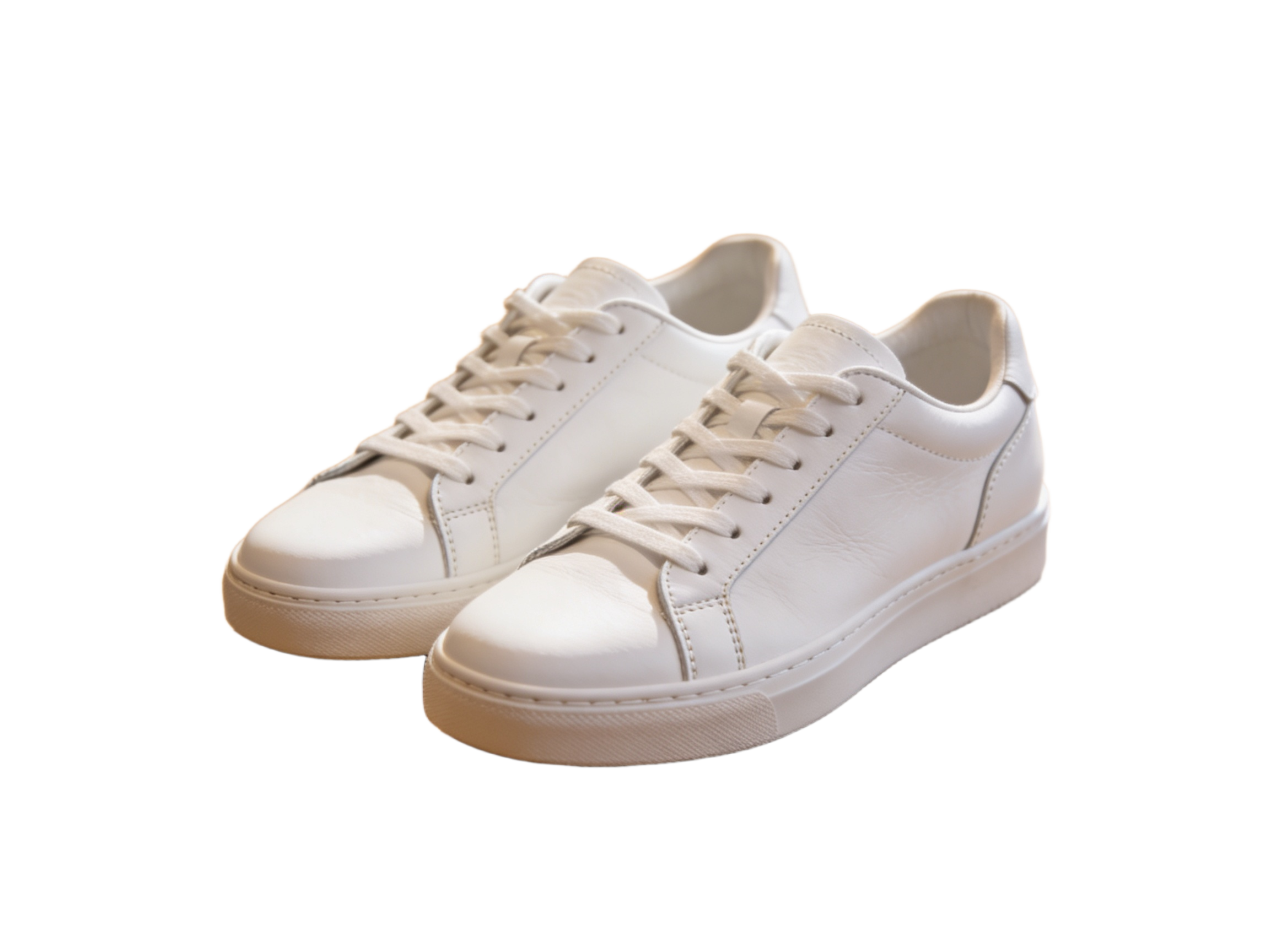
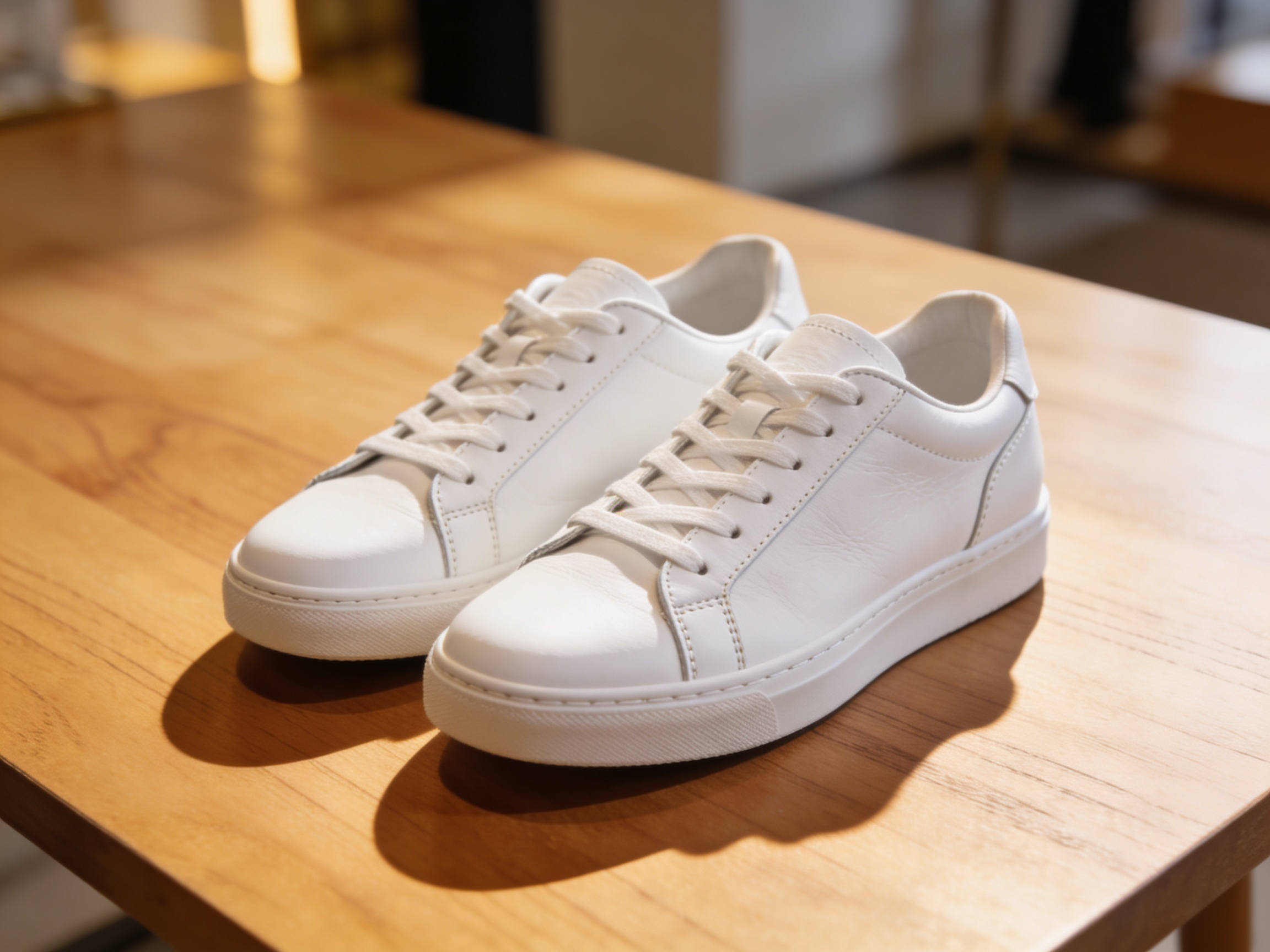
Drag to compare • Upload your image to start
Separate the main subject from its surroundings and download a transparent PNG that is ready for a product page, portrait layout, presentation, thumbnail, or social graphic. Bonito Bonito AI handles the first cutout automatically, so you can spend more time on placement and design.
Upload one image and Bonito Bonito AI identifies the likely foreground subject, separates it from the scene, and prepares a cutout without manual tracing.
The model evaluates object boundaries and soft transitions around details such as hair, fur, fabric, and thin accessories instead of relying on a simple color selection.
The downloaded PNG includes transparency, making it easier to place the subject over a white background, brand color, photo, slide, or design canvas.
A reusable cutout helps one approved product photo adapt to storefronts, marketplaces, campaigns, and seasonal creative without reshooting the item.
Transparent subjects are useful beyond online stores. They can move between layouts without carrying the colors or clutter of the original scene.
Background removal combines subject recognition with boundary estimation to decide which image areas should remain visible and which should become transparent.
Automatic cutouts depend on the source. A few practical choices can make the subject easier to separate and reduce cleanup in the next design step.
Upload a JPG, PNG, or WebP file, then run the background remover. Bonito Bonito AI detects the main subject and converts the surrounding area to transparency. Review the cutout in the result panel and download it as a PNG. You can then place that PNG over a color, photo, or layout.
It can handle many hair and fur boundaries because it estimates soft edge transparency rather than drawing only a hard outline. Results still depend on focus, lighting, contrast, and background complexity. Inspect wispy strands at full size, especially when the final design uses a strongly contrasting new background.
Bonito Bonito AI accepts JPG, PNG, and WebP source images on this page. The processed cutout downloads as a transparent PNG because PNG can store an alpha channel for invisible and partially transparent pixels. Keep the original source as well if you expect to revise the mask or composition later.
A transparent cutout can be used in listings, catalogs, ads, presentations, and client layouts when you have the necessary rights to the source image and subject. Removing a background does not grant new copyright, trademark, privacy, or publicity rights, so confirm those permissions for commercial publishing.
Often, but a complex scene is more challenging when background objects overlap the subject or share similar colors and textures. A sharp source with visible separation usually works better. After processing, check holes, thin accessories, shadows, and edge transparency; use a clearer source or manual refinement if needed.
A completed background removal uses 1 credit. You need to sign in and have an available credit before the task starts. The charge applies to processing the uploaded image; after the result is ready, use the download control to save the transparent PNG for your next design or publishing step.
Upload a product, portrait, or creative image, let Bonito Bonito AI isolate the main subject, then review and download a reusable transparent PNG.
Buy credits for your Bonito Bonito dance videos. No automatic renewal.
Upload one photo · 15-second video · 720p · 500 credits per generationCredits never expire
500 credits
Video generations: 1
one-time payment
≈ $12.90 / video
4,000 credits
Video generations: 8
one-time payment
≈ $7.49 / video
Compared with buying the same number of Single Videos.